

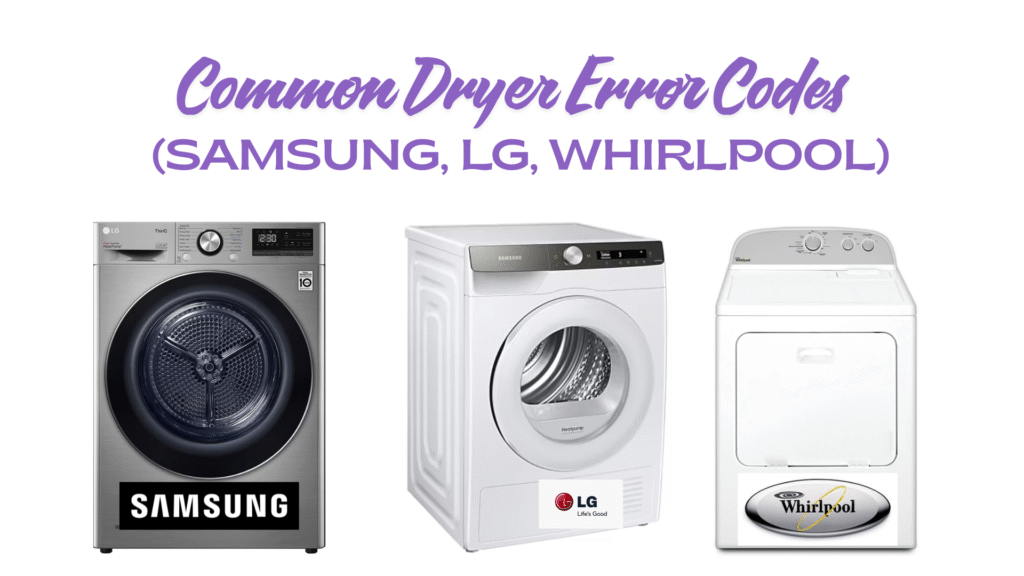
When a dryer flashes a cryptic mix of letters and numbers, it’s not being dramatic—it’s telling you exactly what’s wrong. Error codes help you zero in on airflow issues, door/latch problems, temperature sensor faults, and more. Below you’ll find a practical rundown of what the most Common Dryer codes mean on Samsung, LG, and Whirlpool dryers, plus simple checks you can safely do at home before calling in a pro.
Quick note: Codes can vary by model and region. Always cross-reference with your user manual. If a code keeps coming back after basic checks, stop using the dryer until it’s inspected.
How to read dryer error codes (fast)
- Letters usually tell the system affected (e.g., d for door, t for thermistor/temperature, F for specific Whirlpool faults).
- Numbers refine the fault (e.g., 80/90/95 signal airflow restriction levels on LG).
- Persistent codes after a power reset typically indicate a real hardware/airflow issue—not just a glitch.
Reset 101: Power the dryer off, wait 1–2 minutes, then power on. If the code returns immediately, investigate the cause rather than clearing it repeatedly.
Safety first (do these before deeper troubleshooting)
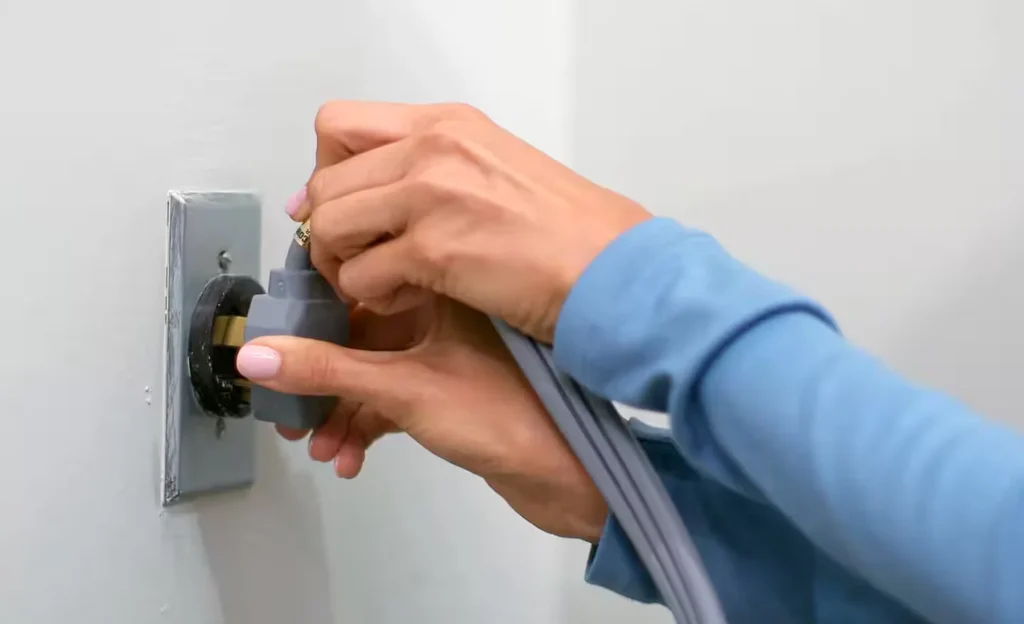
- Unplug (or flip the breaker) before removing any panels.
- Clean the lint filter and visually inspect the vent duct for kinks, crushed sections, or disconnected joints.
- Check the exterior vent hood—the flap should open freely with strong airflow while the dryer runs.
- Avoid extension cords; dryers need a dedicated circuit.
If anything smells burnt, the cabinet is unusually hot, or you see scorching at the outlet, stop and book service.
Samsung dryer error codes you’ll see most
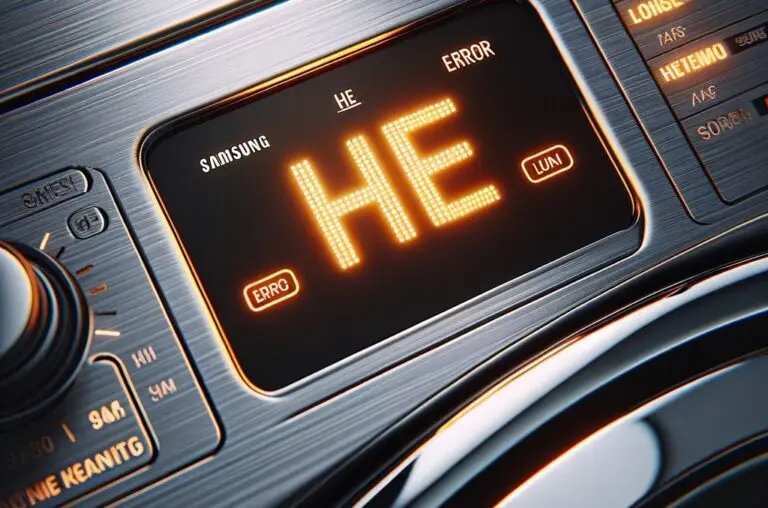
- Power/Voltage: 9C1, 9E, 2E, 9E1
Indicates abnormal supply voltage. Ensure the unit is on its own circuit, with a proper cord and correct voltage for your region. - Jammed/Stuck Button: bE, bE2, bC2, 6E, 6E2, 6C2
A control panel key is stuck or being continuously pressed. Power off, press each button to release; if it persists, panel service may be needed. - Door/Latch: dC, dE, dF, do, d0, 1 DC, 1 dF
The door isn’t detected as closed/latched. Check for obstructions and confirm the latch engages smoothly. - Temperature/Thermistor: tS, t5, tC, tO, t0, tE, tE3, tC5, tCS, 1 tC, 1tC5, 1tCS
Often linked to airflow restriction or sensor faults. Clean the lint screen and entire vent path first; if codes remain, a sensor check is next. - Heating/Overheat: HC, hE, HC4, 1 HC
Overheating or heat-control issues—commonly clogged venting. Address airflow first; continuing operation can trip safety cutoffs. - Communication/Frequency: AC, Et, AE series, E3, FC/FE
Internal communication or power-frequency irregularities. A restart sometimes clears it; recurring errors warrant service. - Vent Blockage Test Results: C80/C90, Clg/Cg, Ct, etc.
Results from Samsung’s vent test: C80 ≈ 80% blocked, C90 ≈ 90%+ blocked. Clear the venting end-to-end.
LG dryer error codes you’ll see most
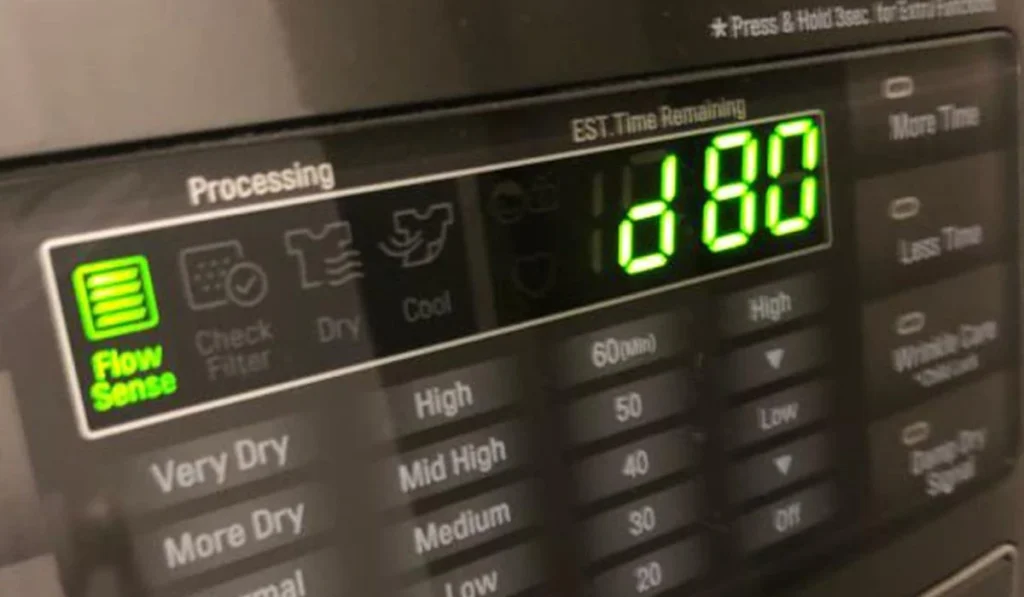
- Flow Sense (airflow restriction): d80 / d90 / d95
These indicate increasing levels of vent blockage (≈80/90/95%). Clean the lint filter, ducting, and exterior hood; long or constricted runs often cause this. - Door Common Dryer error: dE
The door isn’t closing securely or is popping open mid-cycle (overloaded drums can do this). Reduce bulky loads and recheck the latch. - Thermistor/temperature faults: tE1 / tE2 / tE3
Sensor or wiring issues around the temperature circuit. If codes return after airflow fixes and a reset, the thermistor may need testing. - Humidity sensor: HS
Dirty or wet moisture sensors can confuse the dryer and prolong run time. Clean the metal strips below the lint filter and let them dry. - Power events/voltage: PF (power failure), PS (improper power on some models)
Check the breaker and the terminal block wiring if recently installed. If PF/PS repeats, inspect the supply and cord for damage.
(LG maintains a living “Common Dryer Error Code List (New)” help article; check the code there for your exact model.)
Whirlpool dryer error codes you’ll see most
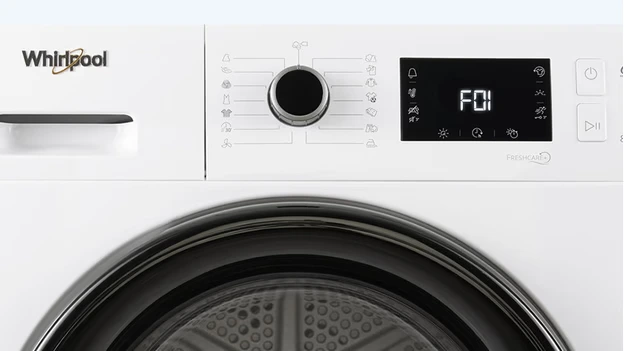
- AF / “Check Vent” (or F4 E3 on some models)
Airflow restriction. Clean the lint screen and inspect the full vent run, including the wall cap. - L2
Low line voltage to the dryer. Verify dedicated circuit, correct 240V supply (for electric models), and tight terminal connections. - PF
Power failure; clear by pressing Start or cycling power. If it keeps happening, look for a loose cord or tripped breaker. - F-Series codes (examples):
- F01: Main control fault—often requires control diagnosis/replacement.
- F22/F23: Inlet thermistor open/short.
- F28/F29: Moisture sensor or related harness issues (varies by model).
For specific models, Whirlpool’s Product Help page breaks down each F/E pair.
DIY checks that solve a surprising number of codes
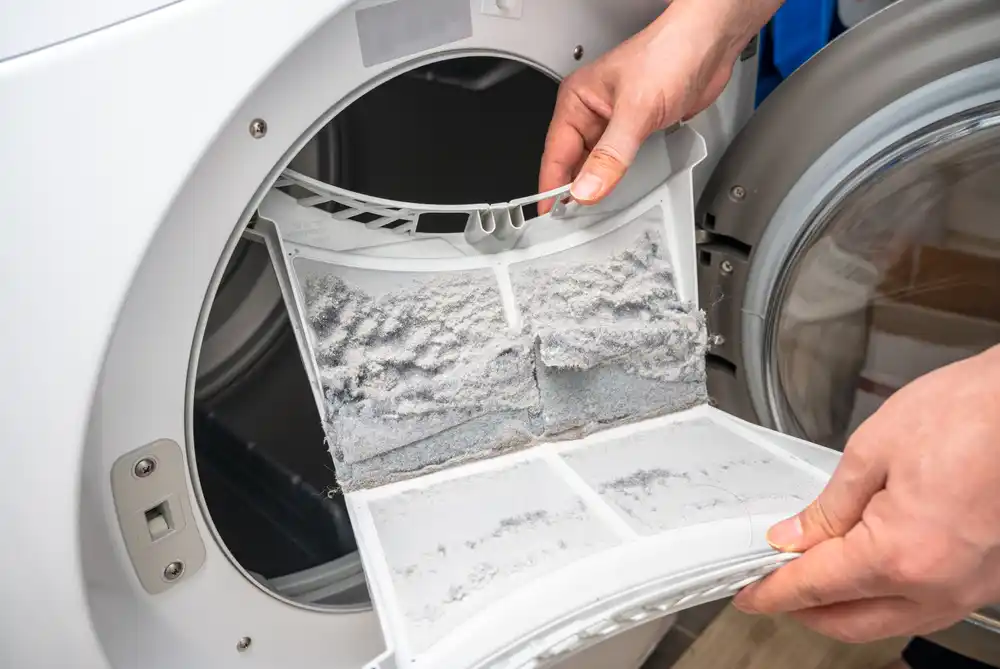
- Full vent clean (not just the filter): Detach the duct, vacuum lint from the back of the dryer and inside the wall duct. Shorten long runs and replace crushed foil ducts with rigid or semi-rigid metal.
- Exterior hood: Clear bird guards, stuck louvers, and lint mats.
- Right load size: Overstuffed drums trigger door and temperature errors.
- Room conditions: Very cold or very hot utility rooms can affect sensors and dry times.
- Power supply: For electric models, confirm both hot legs are present (you can have lights and a turning drum with no heat if one leg is missing).
If airflow is clearly good and the code references sensors/controls, it’s time for diagnostic tools and safe electrical tests.
When to call a technician (and who to call)

- The code returns immediately after a reset and a full vent cleaning.
- You see sparking, burnt odors, or overheating.
- Common Dryer Errors reference controls, thermistors, igniters, or wiring.
- Gas dryers with ignition errors should be handled by a certified tech.
Prefer a hands-off fix? Book an appointment for same- or next-day service windows. For broader help, start with our Professional Appliance repair team or jump straight to Dryer repair if you already know the issue. Have questions first? Contact us—we’ll help you triage the code and pick the right service.
Preventive care that keeps codes away

- Clean the lint filter every load and the vent every 6–12 months (more often for long runs or heavy use).
- Keep the dryer on a dedicated circuit (no extension cords or power strips).
- Level the dryer to minimize vibration that can loosen connections over time.
- For steam models, check water line filters; for gas dryers, schedule periodic burner cleaning.
Quick FAQ
Why do airflow codes pop up even after I cleaned the filter?
Because the restriction is almost always in the duct and exterior hood, not the lint screen. Long, winding, or crushed ducts are Common Dryer culprits. For LG specifically, d80/d90/d95 are Flow Sense warnings tied to that restriction.
My Samsung shows “HC/hE”—is that dangerous?
It’s an overheating alert. Power down and address airflow right away; if the code returns with a clean vent, get a sensor/control check before using the dryer again.
I’m seeing a Whirlpool “F01.” Can I keep running the dryer?
Not recommended. F01 points to a control fault; continued use may worsen damage or create a safety risk. Schedule service.